Events that arrive on their own.
Clubs and organizers enter their events once. Followers get them in their own calendar automatically – always the latest version, even when things change.

Hi, I’m Cali 👋
What would you like to do?
Just pick one – I’ll show you how it works.
- 100% free
- No app needed
- Google, Apple & Outlook
- Made in Switzerland
How it works
Enter it once. Everyone’s in the loop.
No more event lists buried in the group chat. Here’s how your events reach your people:
Enter your events once – including recurring ones like weekly training.
Less hassle
One calendar instead of five channels.
Events get lost in the chat, lists go out of date, and it’s always the same people asking. With CalFollow you manage your events in one place – and your people get them automatically.
- Group chat
- Excel sheet
- PDF annual program
- Email blast
- Notice board
All included
What you get as an organizer

Recurring events
Training every Tuesday? Create it once as a series instead of 40 separate events.
Link & QR code
Share your calendar with a link in the chat or as a QR code on flyers and notice boards.
Public or private
Members only? Private calendars can only be reached with a secret link, optionally with a password.
Manage as a team
Invite board members or coaches as admins – everyone can add events.
Changes at a glance
New, rescheduled, cancelled: your followers see exactly what has changed.
Track your reach
See how many people follow your calendar and how that grows over time.

Reach New
Get found – even by people who don't know you yet.
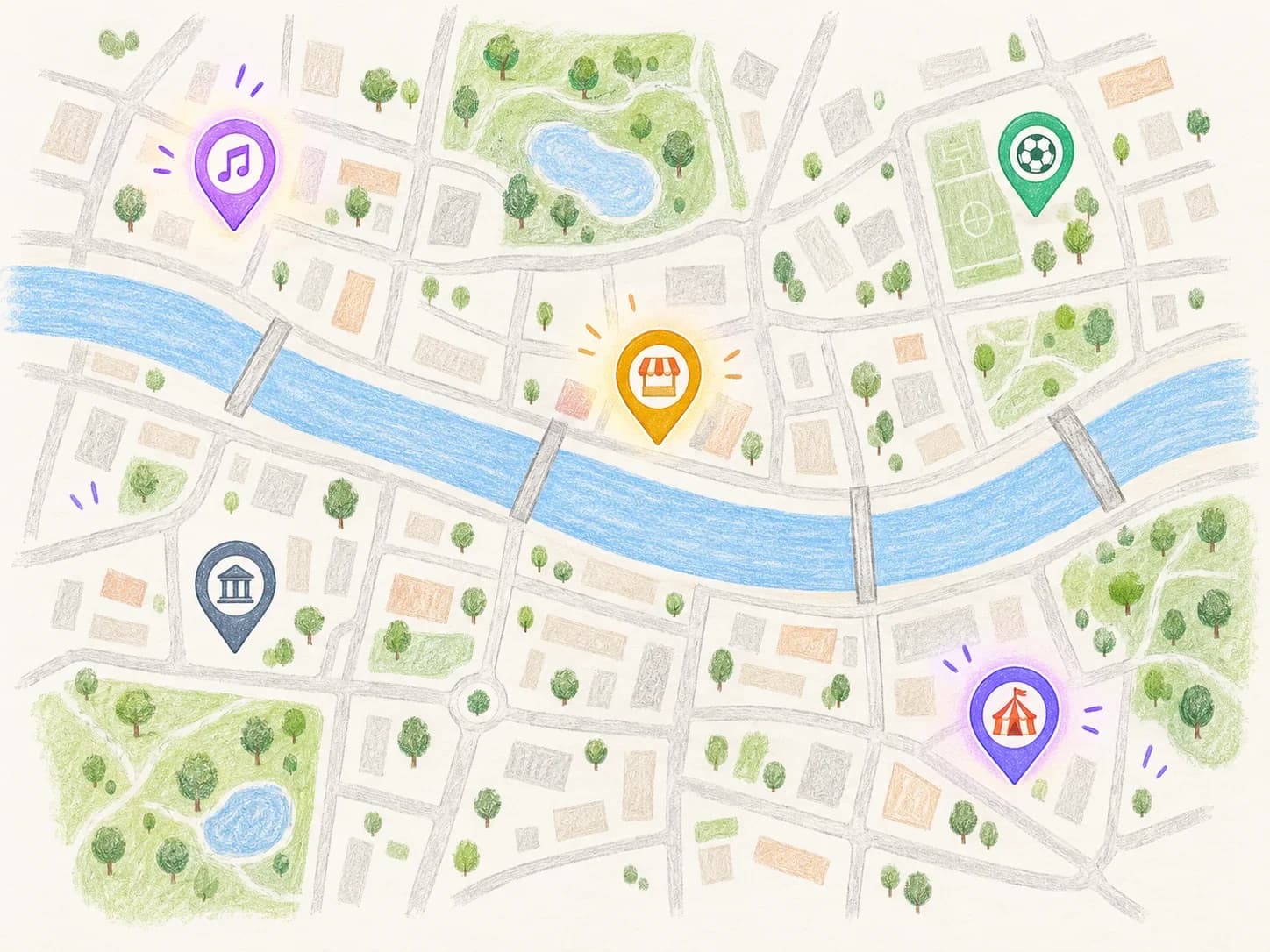
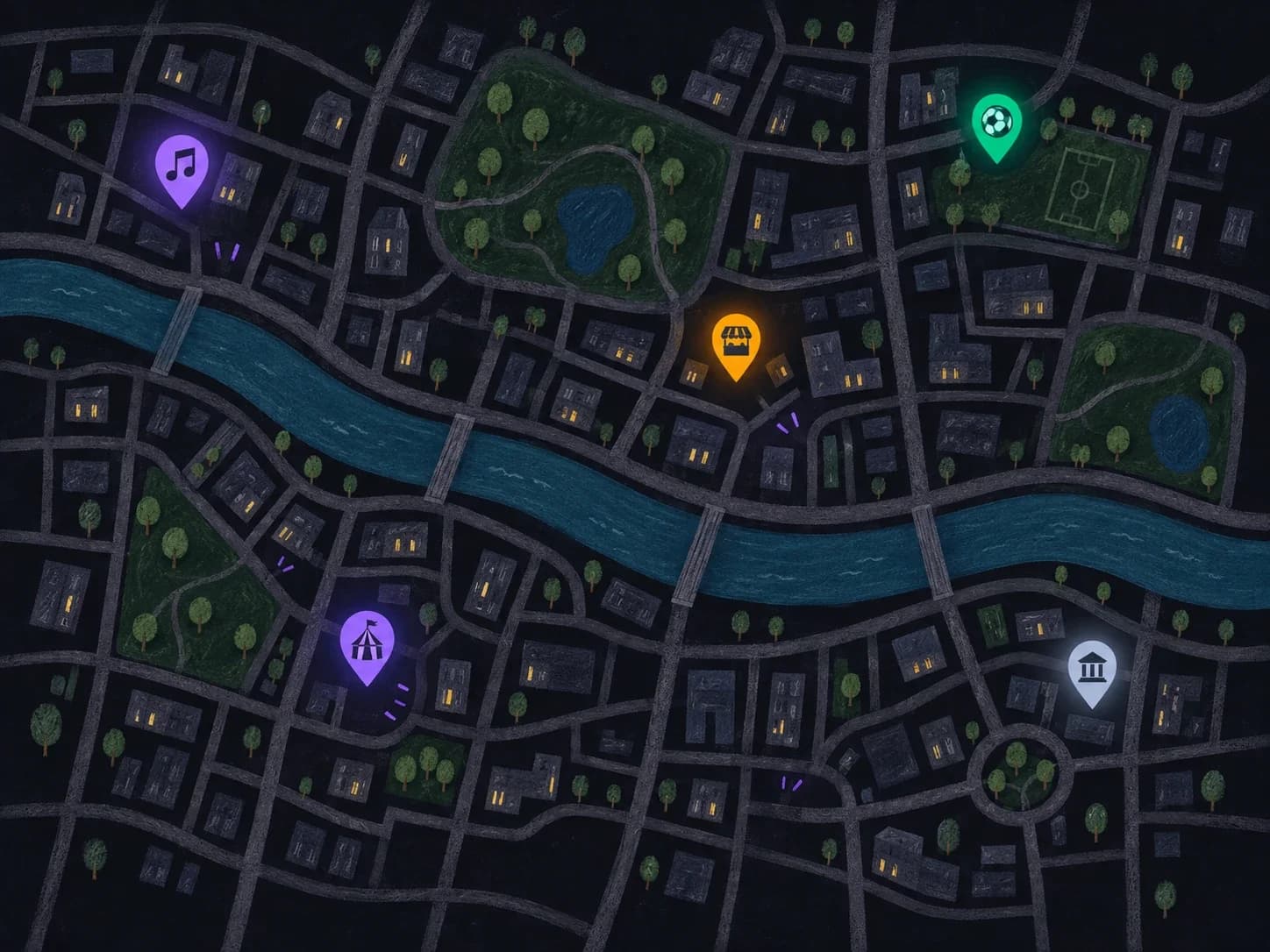
Your events appear on the “What's on?” map, where people nearby look for something to do – on a Saturday afternoon or in the evening.
Pin it once, visible for good
Set where your clubhouse or venue is just once. Every event held there then shows up on the map automatically.
You decide what goes public
Enable it per calendar: home games and festivals on the map, practice and meetings off it.
See what it brings
Under “Manage”, you can see how often your events were seen and opened on the map.
Ready in three steps
Free, with no limits on calendars or events.
- 1
Create an account
With email or Google – in under a minute.
- 2
Create your organization
Name, logo and category, so people can find you.
- 3
Fill & share your calendar
Add your events, share the link or QR code – done.
FAQ
Questions from organizers

How much does CalFollow cost?
Nothing. Publishing is free – with no limits on calendars, events or followers.
Do my members need an account?
Viewing works without an account. To follow, you need a free account – created with email or Google in under a minute.
Can I share a calendar with members only?
Yes. Set the calendar to private: it won't appear anywhere publicly and can only be reached through a secret link – optionally protected with a password, too.
Can several people manage events?
Yes. You can invite others, e.g. board members or coaches, as admins of your organization.
How will my people find out about my calendar?
Share the link in your group chat, by email or on your website – or put up the QR code. Public calendars can also be found through the search on CalFollow.

Get your events to your people.
Free and set up in minutes. No credit card, no app to install.